Best Tiny Desk AI Video Generators in 2026
Tiny Desk AI, Higgsfield, Dreamina or CapCut? Compare what each takes, what it makes, the cost and the limits before making your Outstanding band video.
 Tiny Desk AI
The short answer: for the Outstanding Tiny Desk trend from your own photos, use a dedicated tool with the band and cuts built in. That is what ours, Tiny Desk AI, does. For custom recasting, look at Higgsfield. For a desk concert you direct with prompts, consider Dreamina. For templates, captions and a final edit, use CapCut. They solve different parts of the job.
If you are still figuring out which clip everyone is copying, start with the Tiny Desk Outstanding AI trend explained.
Quick comparison
| Tool | Best for | What you provide | What you get |
|---|---|---|---|
| Tiny Desk AI (ours) | The fixed Outstanding trend, with minimal setup | 1, 2 or 5 photos; choose length and quality | An assembled vertical MP4; sound and silent downloads |
| Higgsfield Genjutsu | Recasting an existing performance yourself | A reference video, images and instructions | A transformed video to review and, if needed, edit |
| Dreamina / Seedance | A prompt-led concert with your own direction | A prompt and supported image, video or audio references | Generated footage; exact trend matching needs review |
| CapCut | Editing clips or using a specific template | Your footage, or the media a template requests | An edited video; character recasting depends on the workflow |
What we compared
For this trend, the useful questions are practical. Do you have to find and prepare a reference clip? Can you choose who sings lead and who plays sax? Does the tool return the full sequence, or footage you still need to cut? What will the finished attempt cost?
Checked October 29, 2026: the competitor descriptions below come from their official product and help pages. We have a recorded one-photo Tiny Desk AI test, but have not run the same inputs through all four tools. These are recommendations by workflow, rather than a scored render-quality test. We publish Tiny Desk AI and include it as our own product.
Tiny Desk AI: for the Outstanding clip without building the edit
Website: gettinydeskai.org
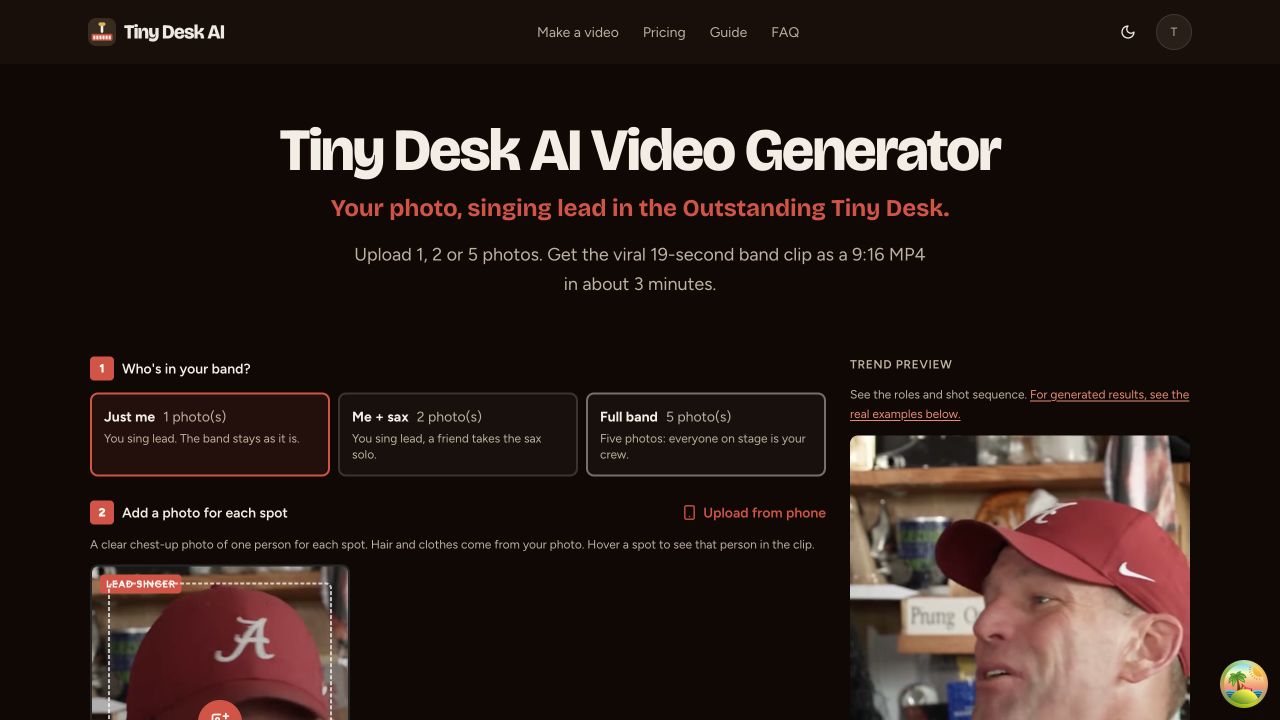
Tiny Desk AI studio in our local preview, October 29, 2026.
Choose Tiny Desk AI if you want the familiar lead, band, close-up, sax and finale sequence from photos. The clip’s timing is already set, so you do not need to source a motion reference or write a prompt for each shot.
One photo, two friends or the whole band
- Just me: one photo replaces the lead singer.
- Me + sax: two photos replace the lead and sax player.
- Full band: five photos replace the lead, sax, keys and two backing singers.
Each spot takes one clear chest-up photo of one adult. Your photo supplies the face, hair and clothing. With one photo, the other performers stay as they are in the template; you do not get five versions of yourself.
Pick where the clip ends
Choose 6 seconds, 13 seconds or the full 19-second version. The 13-second option includes the lead close-up. Pick the full version if the person on sax is part of your joke.
There are four model tiers, Standard, Fast, Pro and Ultra, and 480p or 720p generation settings. You get an assembled vertical MP4, a download with the trend sound and a silent copy for adding sound in your posting app. A QR code lets you save it on your phone.
What we actually got back
In the test documented in our tutorial, one photo on Standard 480p produced the lead part in 150 seconds. The saved silent video ran 13.04 seconds, at 496 × 864 pixels and 24 fps. Those are the file’s measured properties, not a promise that every render finishes in that time or has those dimensions.
Watch the test video and see its input photo, or compare the homepage solo and full-band examples.
What it costs
On Standard 480p, the current credit costs are:
| Cast | 6 seconds | 13 seconds | Full 19 seconds |
|---|---|---|---|
| Just me · 1 photo | 4 credits | 6 credits | 8 credits |
| Me + sax · 2 photos | 4 credits | 6 credits | 8 credits |
| Full band · 5 photos | 8 credits | 12 credits | 16 credits |
Credit packs start at $6.99 for 10 credits, so that first pack covers a Standard 480p full solo video, but not a full-band 19-second video. Higher tiers and 720p cost more. The studio shows the price before generation; see pricing for the purchase options.
You can extend a shorter video by paying the difference. A render that errors or times out returns its credits automatically.
Where we stop: no free videos, no custom song or lyrics, no more than five people, and no guarantee of perfect likeness or lip sync. Use photos of yourself or adults who agreed; celebrities, public figures and minors are not accepted.
1, 2 or 5 photos · fixed Outstanding sequence · sound and silent MP4 downloads
Higgsfield: for custom recasting of an existing video
Website: higgsfield.ai
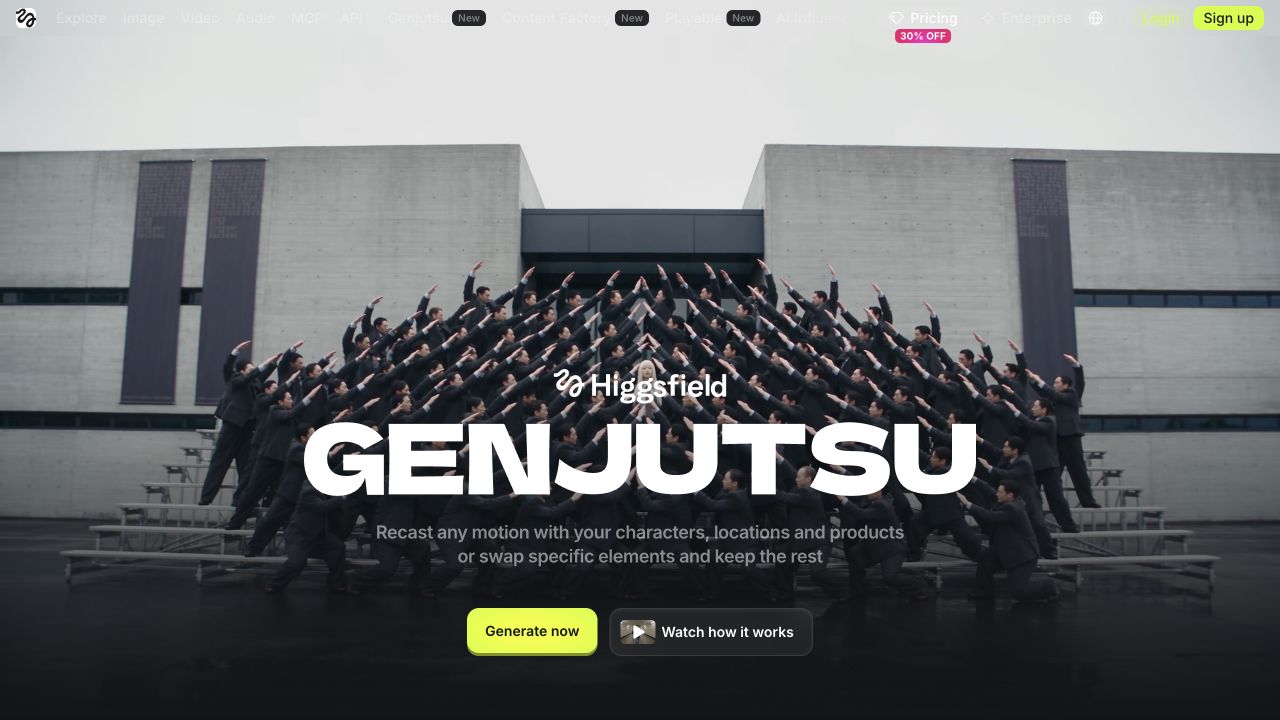
Higgsfield’s Genjutsu product page, October 29, 2026.
Higgsfield Genjutsu offers two relevant modes. Motion Transfer carries motion, camera and timing into a rebuilt scene; Object Swap changes selected elements, including characters, while preserving the surrounding shot. You supply the video, references and instructions.
That makes it a useful option if choosing your own source performance or changing more than the cast matters. For a ready-made Tiny Desk sequence, you would be taking on more of the reference preparation and review yourself.
Cost: Genjutsu uses credits and displays the cost before a run. Check the quote for your actual inputs; a platform credit is not directly comparable with a Tiny Desk AI credit.
Where it stops: it is a general recasting tool, so you still need to judge whether the performers and cuts match your intended edit.
The famous coaches parody used Higgsfield, according to Sport & State’s creator interview. That history is useful context, rather than proof that every current mode reproduces the same result.
Dreamina: for a desk concert you direct yourself
Website: dreamina.capcut.com
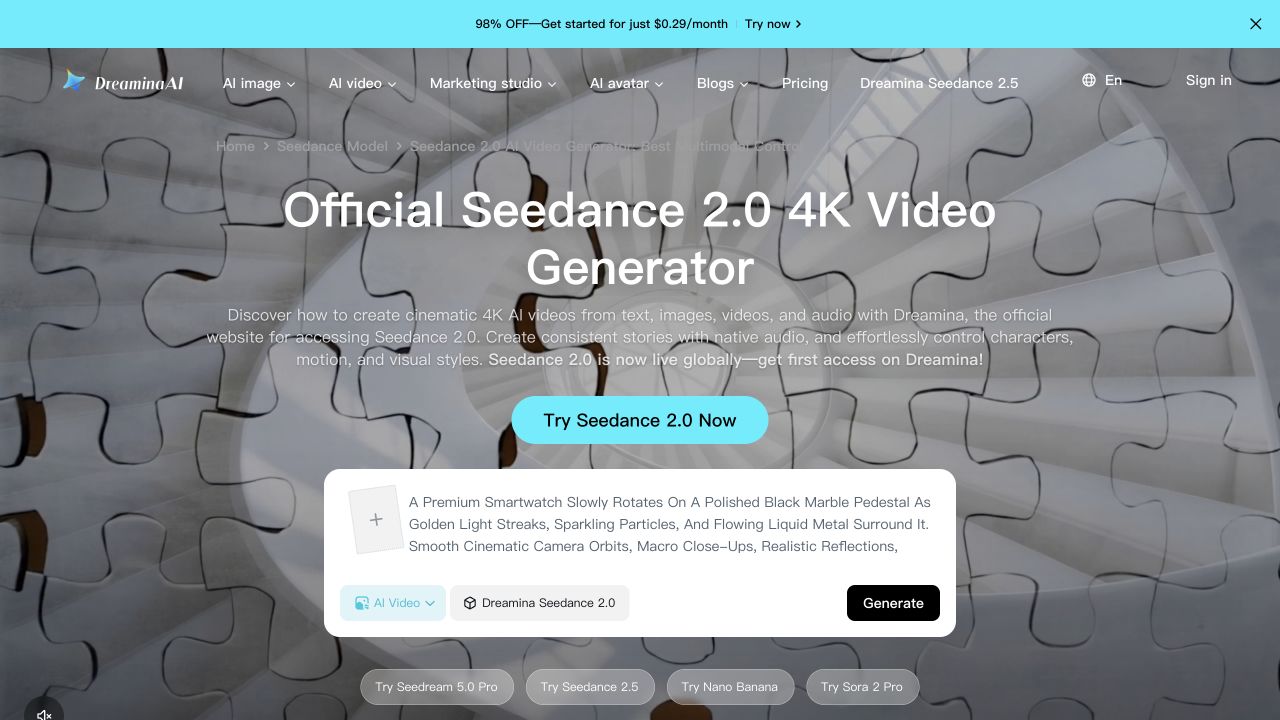
Dreamina’s Seedance 2.0 product page, October 29, 2026.
Dreamina’s Seedance 2.0 page describes multimodal generation from text, images, video and audio references, including reference motion and character consistency. It also advertises free daily credits, with subscriptions for additional access.
Our recommendation is to consider it when you want to direct your own concert scene and are comfortable experimenting with prompts. A different room, framing or visual style gives you reasons to leave a fixed template.
Cost: check the allowance and generation quote in your account. The official free-credit offer does not establish that an entire Tiny Desk remake will fit it.
Where it stops: the product page does not verify the exact five-person Outstanding workflow with your inputs. Check supported reference types and account restrictions first; expect to review the generated motion, identity and cuts rather than treating a prompt as a guaranteed remake.
CapCut: for templates and the final edit
Website: capcut.com
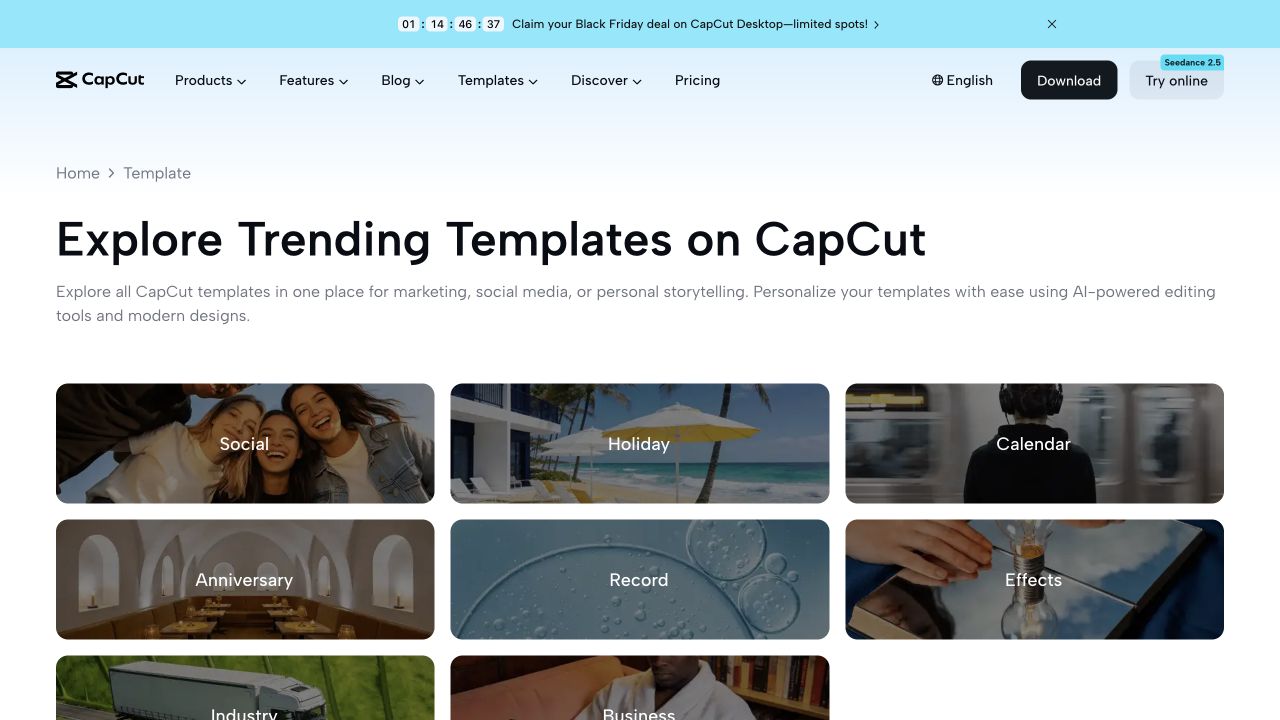
CapCut’s template gallery, October 29, 2026.
CapCut’s templates are reusable editing layouts for your photos and clips. That makes CapCut useful when you already have footage and want to arrange it into a finished post.
Cost: CapCut has free editing tools, but its Pro help page identifies paid features and resources. Check what your chosen workflow requires before committing to it.
Where it stops: a template’s name is not proof that it regenerates a moving band from your photos. Open the preview, check the required inputs and confirm whether you need an already-generated video. Template availability can also vary by platform and version, as CapCut’s template search help explains.
Our recommendation: use it for the finishing work when you want your own captions, timing or layout, or when you have found a specific template whose result you like.
Which should you choose?
- “I want myself and my friends in the Outstanding clip.” Tiny Desk AI handles the fixed sequence from photos. Follow our step-by-step tutorial.
- “I want to recast a reference video I chose.” Higgsfield provides dedicated motion-transfer and object-swap controls.
- “I want to invent a different desk concert.” Dreamina offers a prompt-led route; check the supported inputs first.
- “I already have clips and want to finish the post.” CapCut gives you an editing or template route.
Before you pay for a Tiny Desk video
Watch a complete moving example, including the close-up and sax cut. A good still image cannot show whether the face stays consistent, whether the hands work or whether the edit lands on the sound.
Compare the finished attempt, not just the advertised starting price: cast size, length, quality, additional renders and any editing you need afterwards. Check whether the output includes the sound you expect or needs audio added separately.
For our fixed clip, the full-band example, pricing and photo-to-video walkthrough show those details before you make one. Tiny Desk AI is an independent fan tool and is not affiliated with NPR, Tiny Desk Concerts, Charlie Wilson or The Gap Band.
Frequently asked questions
- What is the best Tiny Desk AI video generator?
- For the fixed Outstanding trend from your photos, Tiny Desk AI has the cast slots, shot order and downloads built in. For custom recasting, consider Higgsfield Genjutsu; for a prompt-led video, Dreamina. CapCut is useful for templates and editing the clips you already have. The choice depends on how much you want to control yourself.
- Is there a free Tiny Desk AI video generator?
- Tiny Desk AI does not offer free videos. Dreamina advertises free daily credits, but that does not establish that a complete Tiny Desk remake will fit the allowance or that every input is supported. CapCut has free editing tools, while some templates and AI features require payment.
- Can I make a Tiny Desk AI video with one photo?
- Yes. Tiny Desk AI’s Just me option uses one photo for the lead singer. Two photos replace the lead and sax player; five replace the full band. A solo video leaves the other performers as they are in the template.
- Which AI tool made the viral coaches Tiny Desk video?
- In Sport & State’s October 22, 2026 interview, creator Jake Whipple said he used Higgsfield. That identifies his workflow; it does not mean every later Tiny Desk video uses the same tool or settings.
- Will a CapCut template put my face into the band?
- Check the specific template’s preview and inputs. CapCut templates are reusable editing layouts, and replacing their photo or video slots does not by itself mean AI will recast a moving performer. Some workflows need a generated video before the editing step.
- Can I use a different song on Tiny Desk AI?
- The generator follows the fixed Outstanding trend clip and timing. You can download a silent copy to edit or add sound elsewhere, but it does not generate a new performance to your own song or lyrics.